Google adds computer use capabilities to Gemini Mac app
Executive Briefing
“Google released a new version of the Gemini Mac application in the U.S. that enables the AI...”
Key Takeaways
- 1.Google released a Mac client update for Gemini in the U.S. upon launch, which requires a Google AI subscription.
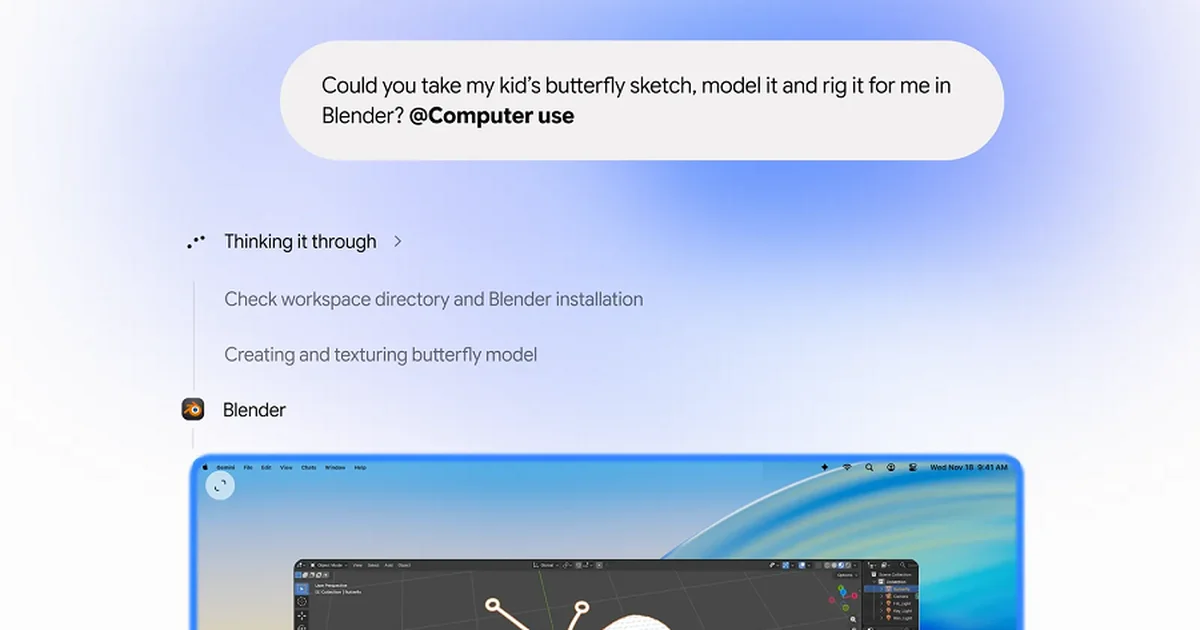
- 2.Users trigger the feature by including the command '@Computer use' in their prompts to have the assistant plan and execute multi-step tasks.
- 3.The system runs in a background window to avoid interrupting users, accompanied by a live preview panel, pause functions, and approval controls for key actions.
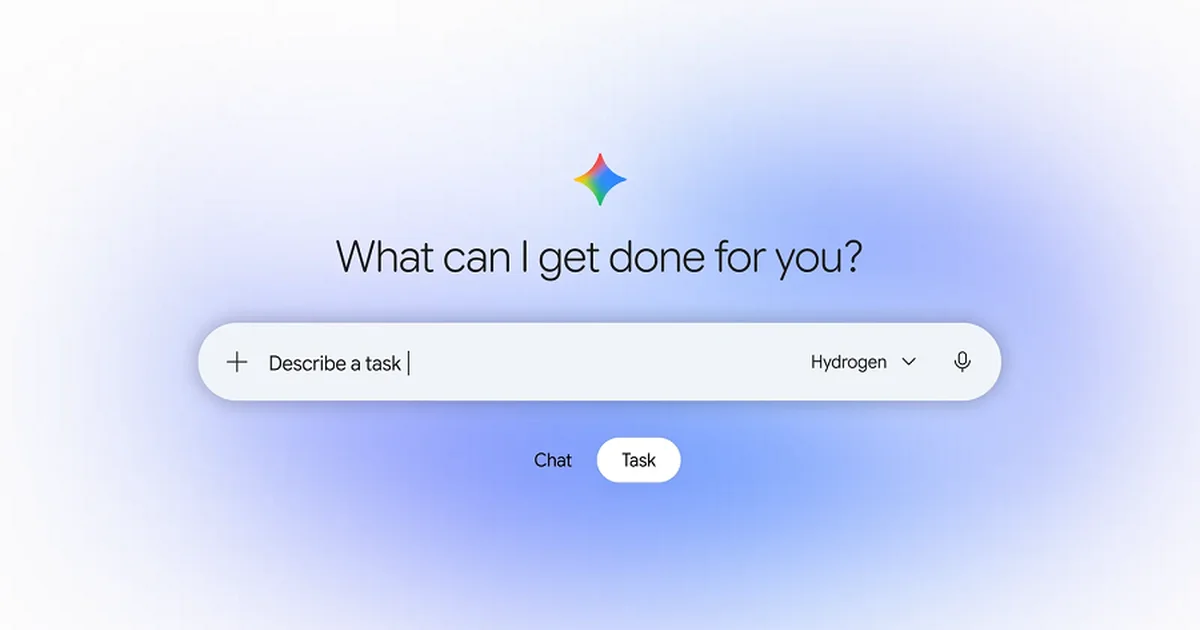
Google released a new version of the Gemini Mac application in the U.S. that enables the AI assistant to automatically interact with local software and web services via chat prompts.
Key Developments & Primary Facts
Google released a Mac client update for Gemini in the U.S. upon launch, which requires a Google AI subscription.
Users trigger the feature by including the command '@Computer use' in their prompts to have the assistant plan and execute multi-step tasks.
The system runs in a background window to avoid interrupting users, accompanied by a live preview panel, pause functions, and approval controls for key actions.
Strategic Analysis & Implications
The ability to automate local application workflows places Gemini in direct competition with desktop AI agents from Meta and OpenAI.
Processing tasks in a background window alongside intermediate safety controls reflects a security design trend aimed at mitigating risks when AI interacts with personal devices.
Outlook & Factors to Watch
The timeline for Google to expand this feature to markets outside the U.S. or support operating systems other than macOS remains undisclosed.
Specific roadmaps for developing cloud storage hosting or specialized enterprise automation capabilities akin to competitors are not yet detailed.