Why E Ink screens keep their text when power is removed
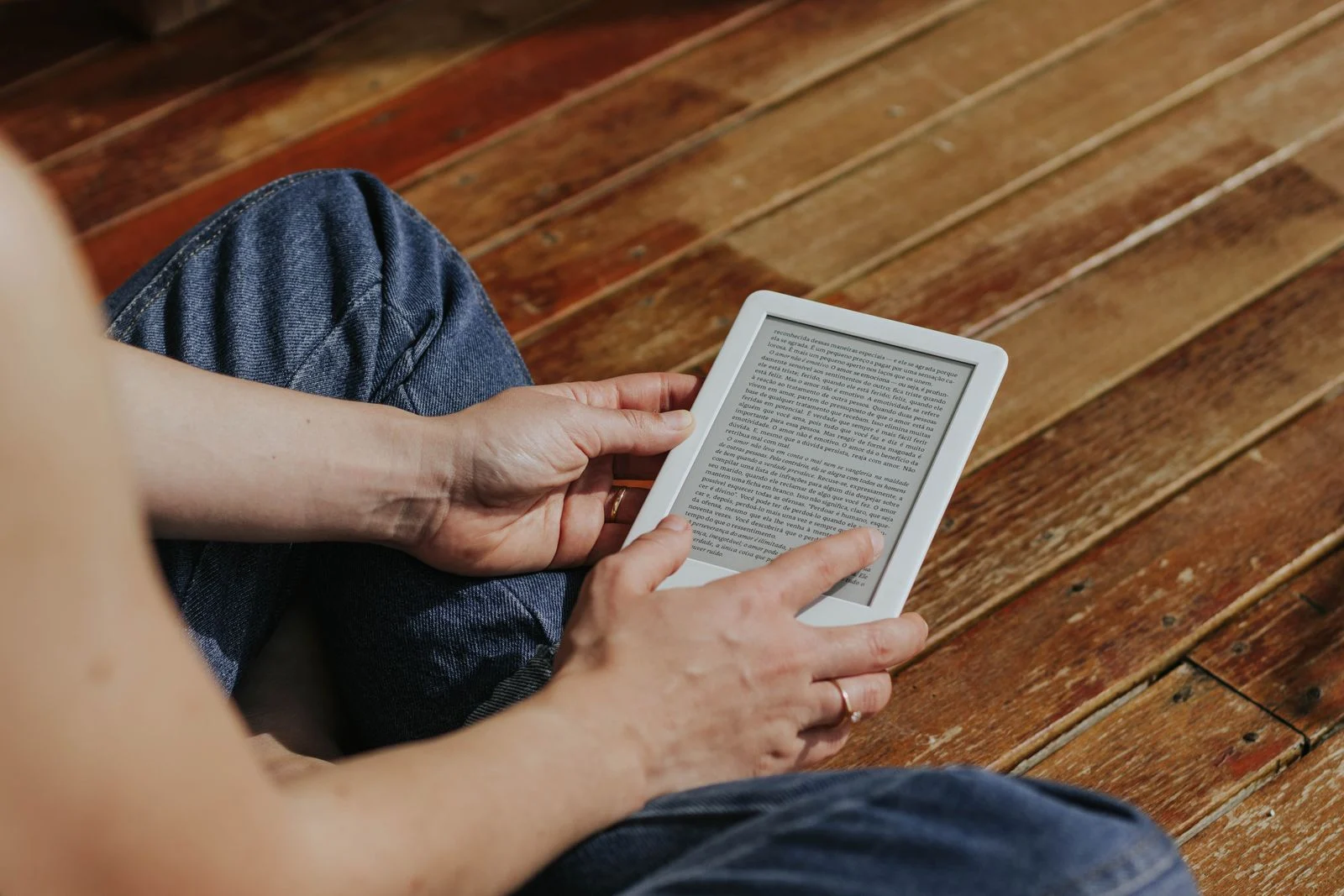
Reading on an electronic-ink device.
Executive Briefing
“Electronic ink can preserve an image without continuous display power. Understanding how it works separates screen efficiency from the battery life of the entire reader.”
An E Ink display does not need continuous power to preserve an unchanged book page. Electrically controlled pigment particles produce the image, using a different approach from a light-emitting screen.
Particles form the text
In the two-particle system E Ink describes for Carta, microcapsules contain oppositely charged black and white particles. An electric field changes their positions, bringing the required pigment toward the viewer. Many light and dark regions combine into text or pictures.
This describes one particular ink architecture. Color products can use different structures and particle combinations; not every E Ink panel is an identical black-and-white microcapsule layer.
A retained page does not mean the whole reader uses no power
E Ink calls image retention without power bistability. Once an image is formed, the display layer can hold that state, using energy when the image must change. A visible page therefore does not prove that the device is still running.
Display-layer consumption is different from total device consumption. An active processor, wireless connection or reading light still needs energy. Image retention alone cannot establish weeks of battery life; the particular device and usage conditions matter.
Color and update speed involve different trade-offs
E Ink specifies 4,096 colors for Kaleido 3, with 300 ppi for black-and-white content and 150 ppi for color. That is not a universal limit for all electronic-ink technologies the company develops.
Gallery 3 is a different example. Its published color-update modes range from 500 milliseconds in fast mode to 1,500 milliseconds for best color. Those figures describe modes of that display family, not measurements AIINEWS performed on every reader.
The useful comparison is image quality versus update speed for your actual task. Novels, handwritten notes and scrolling color documents can place different demands on a screen.
Three checks before choosing a reader
Open documents you actually read, rather than relying on promotional images. Check the text size and zoom you need.
Try page turns, scrolling and writing if you need notes. Compare refresh modes using the same content.
Read the stated battery-test conditions and try a comfortable reading-light setting. Image retention is not a whole-device battery guarantee.
These are AIINEWS evaluation suggestions based on the technology, not a product ranking or a hands-on device test.