Ask someone to help cover errors when recording video
Executive Briefing
Synthesized and verified with gemini-2.0-flash-thinking-exp
“This morning I used the Lumix S9 and a 20mm lens to record a video talking about the level of perfec”
Key Takeaways
- 1.This morning I used the Lumix S9 and a 20mm lens to record a video talking about the level of perfection of the iPhone Duo compared to the Galaxy Z Fold8.
- 2.However, because the 20mm tube is too wide, I did not control the surroundings well and after filming, I was not satisfied.
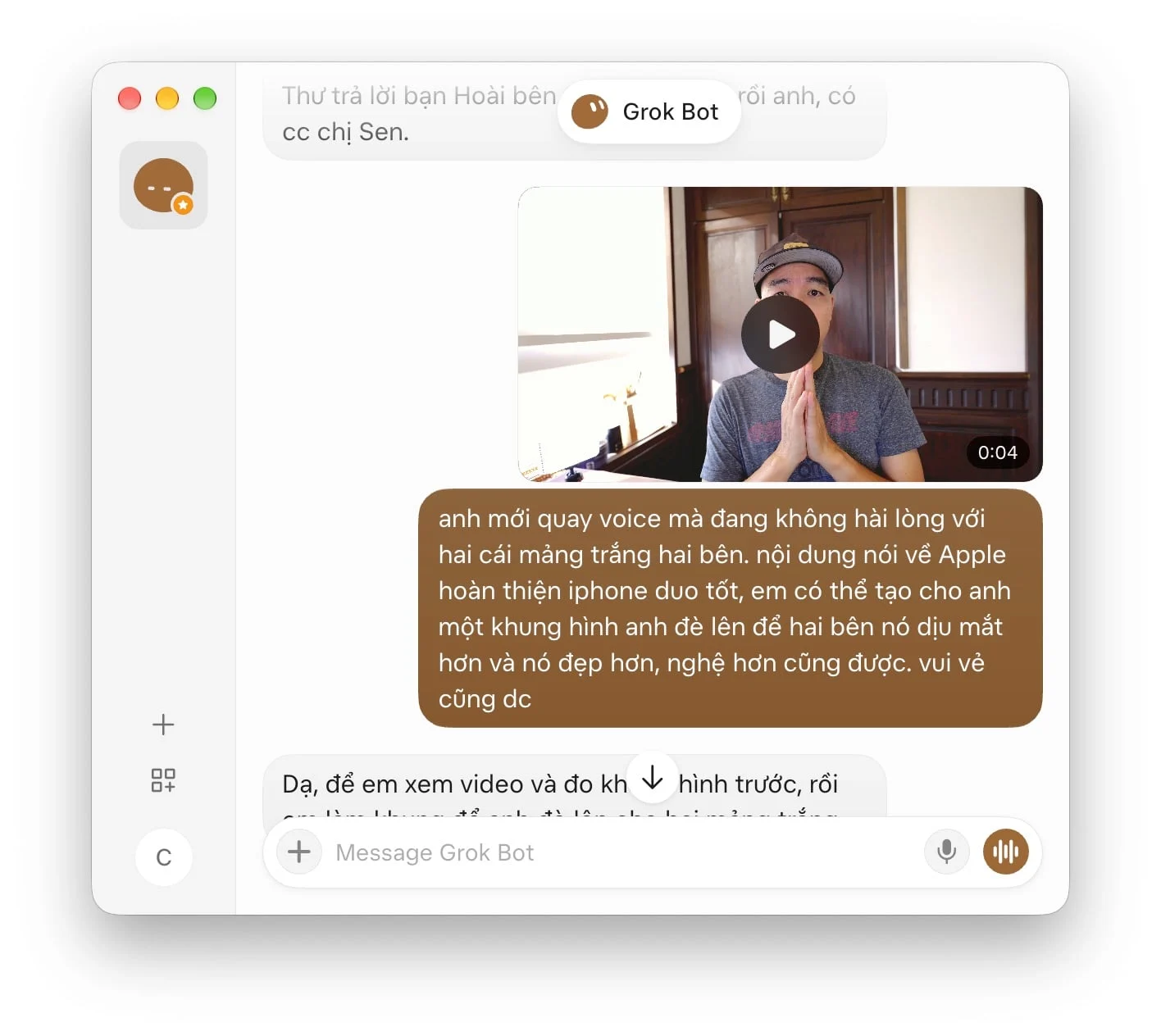
- 3.I asked Grok Bot (AI assistant robot on computer) to help me cover up the parts I don't like.
This morning I used the Lumix S9 and a 20mm lens to record a video talking about the level of perfection of the iPhone Duo compared to the Galaxy Z Fold8. However, because the 20mm tube is too wide, I did not control the surroundings well and after filming, I was not satisfied. I asked Grok Bot (AI assistant robot on computer) to help me cover up the parts I don't like. After talking back and forth for a while, I got the cover that I was satisfied with.
This is the original scene, the white patches on both sides look so uncomfortable.
I adjusted the color a bit and sent it to Grok Bot to ask him to make the two sides cover. Please see the command I told Grok Bot. I use natural language, not dev-style prompts.
He tried it out for me and I thought it was almost right. However, the picture it drew was not what I intended.
I sent him some pictures I liked and asked him to continue editing them
Continue editing by talking to Grok Bot
Finally, Grok Bot created a PNG file with two components that can hide video errors.
And below is the resulting video. Please see:
Grok Bot from SpaceX or Muse from Meta are two bots installed on the computer and we talk to it like chatting with an assistant. It helps a lot without us having to know programming or be good at IT.
I will introduce these bots to you guys later.
Advertisement