Suddenly I want to try Googlebook
Executive Briefing
Synthesized and verified with gemini-2.0-flash-thinking-exp
“After nearly two and a half years since Google said it would switch the laptop operating system from”
Key Takeaways
- 1.After nearly two and a half years since Google said it would switch the laptop operating system from ChromeOS to the Android platform, the first Googlebooks hit shelves in the US in October.
- 2.In the past few days, detailed reviews have been published, and I find it quite interesting that the scoring pages are very different.
- 3.Along with the Lenovo Googlebook 15, Engadget praised the hardware and how it worked with Android phones, while Notebookcheck and PCWorld hardly knew who to recommend.
After nearly two and a half years since Google said it would switch the laptop operating system from ChromeOS to the Android platform, the first Googlebooks hit shelves in the US in October. In the past few days, detailed reviews have been published, and I find it quite interesting that the scoring pages are very different. Along with the Lenovo Googlebook 15, Engadget praised the hardware and how it worked with Android phones, while Notebookcheck and PCWorld hardly knew who to recommend.
What is Googlebook
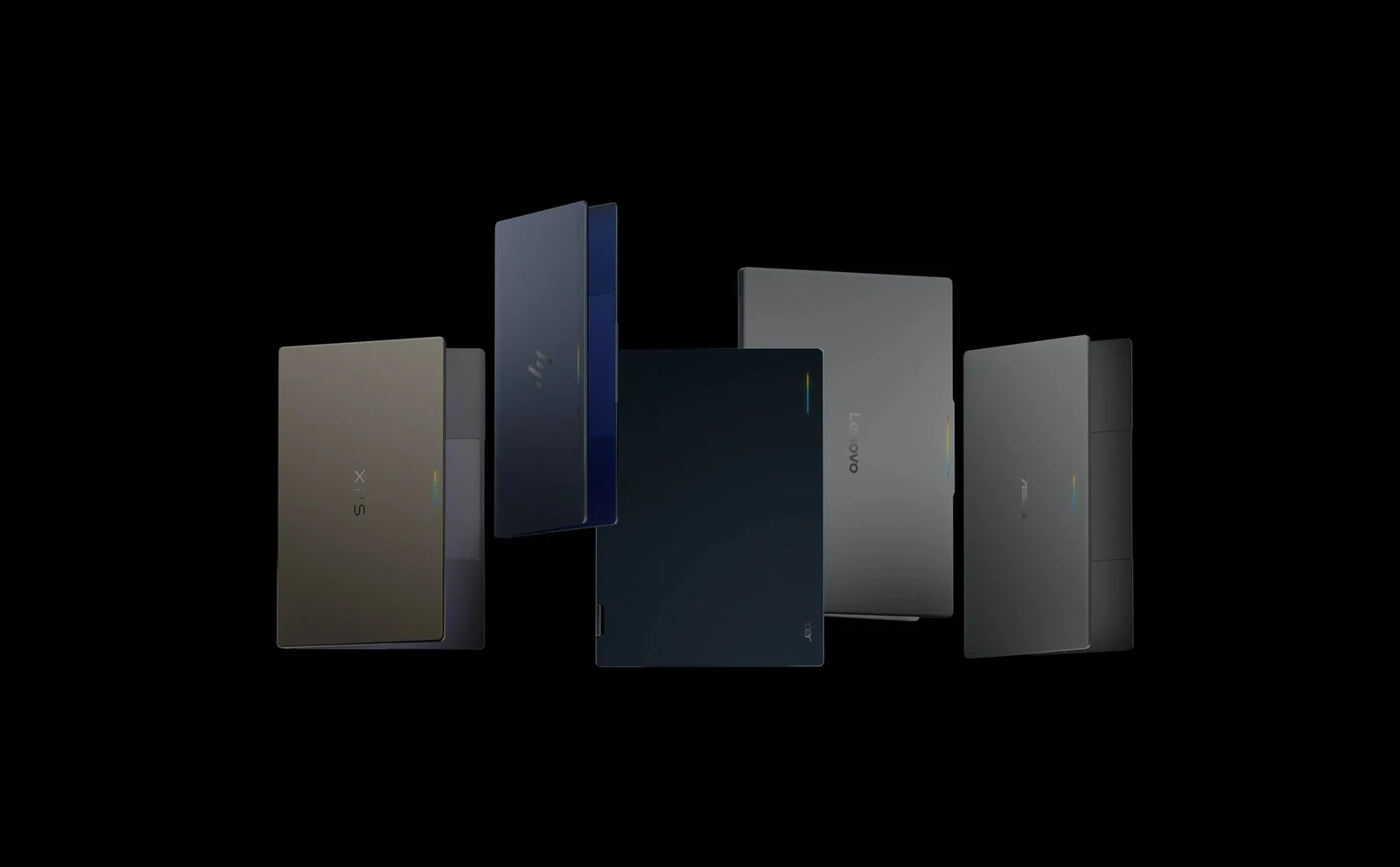
In short, Googlebook is a line of laptops running Googlebook OS, an operating system based on Android, and according to Engadget, in the long run it will completely replace ChromeOS. The first batch has 5 machines from Acer, ASUS, Dell, HP and Lenovo. Google sets some minimum requirements: 16GB of RAM, an Intel or Qualcomm chip, and a touchscreen, according to PCWorld.
The biggest difference compared to Chromebooks is the price. Chromebooks are familiar for a few hundred dollars, and the cheapest Googlebook is the Acer Googlebook 14 priced at 899 USD, and this is also the only machine under 1,000 USD. The remaining machines are in the range of 999 to 1,299 USD.
Different from Chromebooks
When you first open the device, the interface looks very similar to ChromeOS, with a taskbar below, an application drawer, and a split screen by dragging the window to the sides. The difference is that the device is designed to work closely with Android phones. Right at the installation step, the device displays a QR code to scan with your phone, then you can copy applications and data from your phone.
Once paired, you can open the application on your phone into a separate window on your laptop, view notifications, browse files on your phone like a drive, or while composing an email on your phone, press one button to switch to your laptop to continue typing. Engadget compares it to Phone Link on Windows but better in almost every way.
Engadget scores 7.9 points
Engadget gives the Lenovo Googlebook 15 a 7.9 out of 10. They like the hardware: 15.3-inch 120Hz OLED screen, good speakers, large haptic touchpad, lighter than the 14-inch MacBook Pro despite the larger screen. They also think that the phone connection feature is Googlebook's secret weapon.
But Engadget itself said the software is still young. Many applications on the Play Store are only for mobile phones, for example, the downloaded Photoshop version is the mobile version, not the desktop version. The store divides apps into different optimization levels, so users have to try each app. Transferring files back and forth is limited to less than 200MB, and playing games from a phone causes lag. Their conclusion is that Android fans will find it worth it, while others should wait for a more mature operating system.
Another Engadget article about the operating system also points out a fairly basic shortcoming: Chrome on Googlebook cannot synchronize tab groups, which Google said will be added in a future update.
Advertisement
Notebookcheck and PCWorld are more rigorous
Notebookcheck titled the post as quite disappointing. The overall score is still 85%, but the comments section is heavy. They found the case felt like cheap plastic, the hinges were loose, the keyboard had shallow travel, and the white backlight was hard to see on the light gray keys. The OLED screen is beautiful and has standard colors, but Googlebook OS only runs in the sRGB color space even though the panel supports P3. They concluded that they didn't understand why they bought this machine instead of a Windows machine or MacBook Air.
PCWorld was even harsher, giving a title like it was happy to have finished testing. Reviewers hate the keyboard, find face unlock to be intermittent, the battery is unimpressive, and it doesn't connect to Samsung phones and some older Android devices. For them, the device is only slightly better than a Chromebook Plus but twice the price, so they choose an off-the-shelf Chromebook Plus.
The common point of all three articles is that hardware is not the main problem. The problem is that the new operating system lacks real desktop applications, while the price is already at the level of a high-end laptop.
Advertisement
Googlebook detachable tablet coming soon
According to 9to5Google, at Android Dev Summit 2026 last week, Google confirmed that the next form of Googlebook will be detachable, meaning a tablet with a detachable keyboard. Currently, 4 out of 5 devices are regular laptops, only the Acer Googlebook 14 is a 360-degree folding device.
According to a leak in July, the first detachable is likely to come from Lenovo, with a removable keyboard and stand. But 9to5Google notes that currently the main screen of Googlebook OS is still only displayed horizontally, so Google still has work to do.
So who is Googlebook suitable for
I think the way PCWorld describes it is quite correct: Googlebook is suitable for people who live mainly on Android phones, only opening their laptops when they need to type long documents, watch large-screen videos or open many tabs to find documents. For these people, the fact that the phone and laptop connect smoothly is a real plus.
If you need desktop software like Premiere or Logic Pro, play heavy games, or are using an iPhone, then at a price of over 1,000 USD, a MacBook Air or Windows laptop in the same price range is still a stronger choice. Both Engadget and Notebookcheck say so.
In my opinion, this first generation is more like a trial for a group of loyal Android users. If Google can fix the application and have more cheaper devices like Engadget predicts, then the next generation is the time to consider more.