Affordable AI: Edit voice video without recording with AI
Executive Briefing
Synthesized and verified with gemini-2.0-flash-thinking-exp
“If you are someone who often makes work videos, especially content creators, then I see video editin”
Key Takeaways
- 1.If you are someone who often makes work videos, especially content creators, then I see video editing happening often.
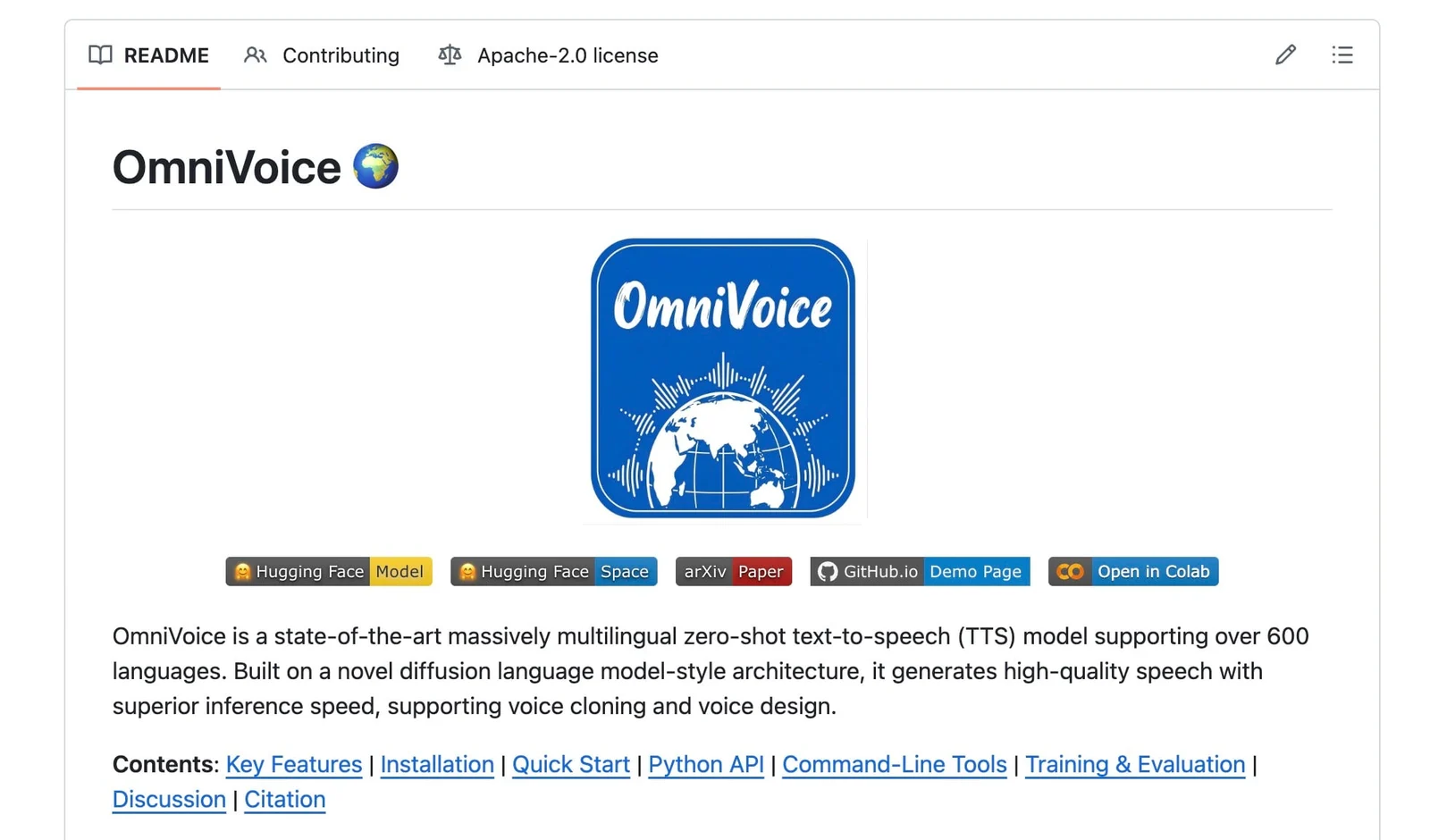
- 2.Omnivoice is a repo that helps you deal with audio clips that are misspoken or misread.
- 3.Previously, you had to record and re-assemble them yourself.
If you are someone who often makes work videos, especially content creators, then I see video editing happening often. Omnivoice is a repo that helps you deal with audio clips that are misspoken or misread. Previously, you had to record and re-assemble them yourself.
Omnivoice not only solves the problem of turning words into sounds, that's normal, the main thing is that Omnivoice produces the same sound, it matches the original sound of the video. Listening to it, it is very difficult to realize that the sound has been reread and edited.
If you record yourself and put it together, you'll know immediately when you hear it.
Features and usage
I will talk about the features, usage and effectiveness of this repo first, then will provide installation instructions at the end of the article.
Test with some specific cases
Below are 2 cases where I actually edited a video I worked with a partner, re-editing the content I said incorrectly.
Before case 1, when I had not used Omnivoice to edit.
Before session 1, I used Omnivoice to edit and re-edit the content spoken in text.
Before case 2, when I had not used Omnivoice to edit.
Before case 2, I used Omnivoice to edit and re-edit the content spoken in text.
Advertisement
Before case 3, when I didn't use Omnivoice to edit.
Before case 3, I used Omnivoice to edit and re-edit the content spoken in text.
According to me, Omnivoice:
- Produces sound results that sound similar, in many cases very similar
- But the key is the same in the voice, environmental sounds, tone, and pitch of the sound
- Maximize effectiveness with short sentences, like the 3 cases I have demoed above
- Long sentences reduce the success rate
I am applying Omnivoice for cases such as:
- Misread the brand name
- Correct the content incorrectly, especially names and numbers
- Add a small paragraph, short content, but no recording required.
How to use
Omnivoice is actually just a repo on github, you just ask the AI Agent you are using to install it for you and that's it, just use it. Link
repo.
Advertisement
If you're lazy, click on the Hugging Face section below and use it (
here), no need to install anything, but this runs online and requires an internet connection, I prefer to download it to run locally.
After installation is complete, there will be a link to access, you will use Omnivoice on your browser, the interface is as shown in the photo.
In the Text to Synthesize section: enter the content you want to turn into voice. In the picture is the sentence I used in case 1.
Reference Audio is where you upload sample audio, which must be a voice clip from your own video that needs to be edited, to clone it for the same. Omni voice's documentation says it shouldn't be too long, about 10-15 seconds is fine.
In the Generation Settings section, you can increase the Inference Steps section, wait longer but the quality of the clone will be better.
The remaining items below can be ignored, then click Generate to create.
The result will be in the Output Audio section, click to listen and see if it's ok then download.
In many cases, I find that the gene is not reasonable, if it is not very correct, I re-generate it. If the gene is not good, I change the sentence, change it a little, but not too long, a while is fine.
If it doesn't work anymore, change it to 2 sentences, then gene each sentence, then it will work.
I find using this repo very simple, installation is also simple, you can research if you need it, now I can edit videos faster, no longer have to record myself.
Conclude
Omnivoice has the advantage of being light, simple, free, runs locally, anyone can use it, you can download and try it. Mức độ hiệu quả khả quang, mình dùng bửa giờ vài video rồi, cảm thấy khá ok, tỷ lệ fail cũng có nhưng ngồi gen một tí thì cũng ưng.