Anthropic adds Code Mode so Claude Code can chain tool calls in JavaScript
Executive Briefing
“Anthropic has added Code Mode as an experimental, opt-in Claude Code feature. It lets...”
Key Takeaways
- 1.The report says Code Mode is available from Claude Code v2.1.323. Claude writes JavaScript, which Claude Code runs in the user's session.
- 2.According to the documentation cited in the report, a single piece of code can run commands in parallel, pass one result into another call and return only the output Claude needs to read.
- 3.The feature is limited to interactive terminal sessions. The report says it is unavailable through Amazon Bedrock, Google Cloud, the Agent SDK, the VS Code panel or the Desktop app.
- 4.Tool calls inside the code still pass through deny and confirmation rules and PreToolUse hooks. In auto mode, however, a classifier reviews each piece of code before it runs rather than reviewing each tool call separately.
- 5.Code that Claude waits for stops after 10 minutes, including time spent at permission prompts. Background code can run for up to two hours, but the session must start in auto or bypassPermissions mode.
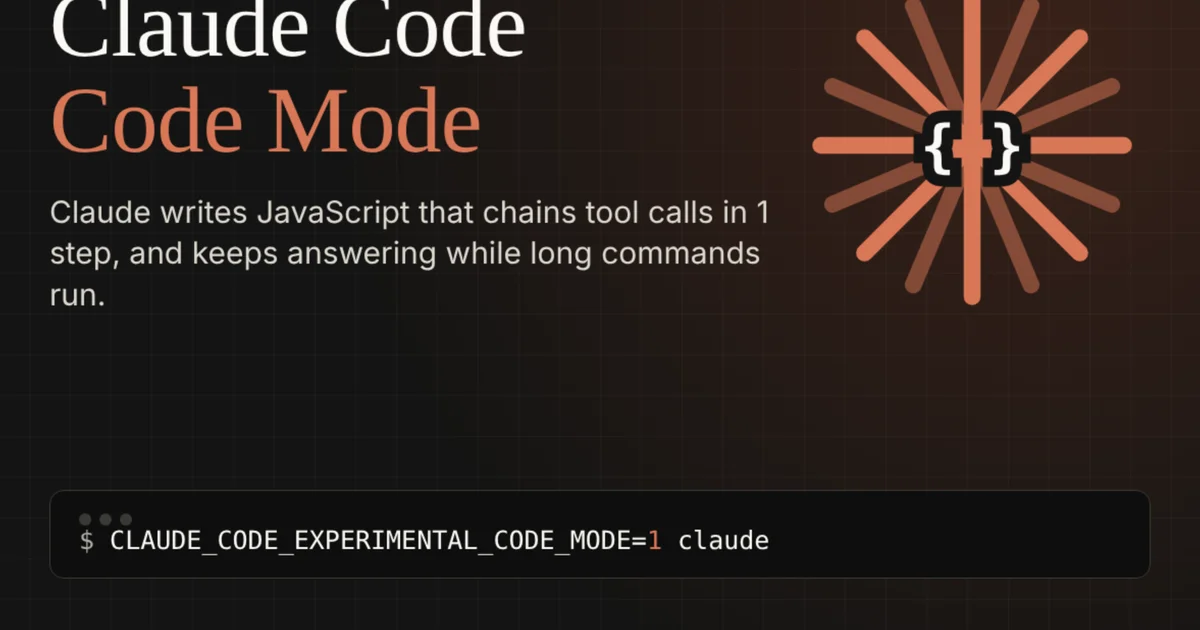
Anthropic has added Code Mode as an experimental, opt-in Claude Code feature. It lets Claude write JavaScript that makes multiple tool calls in one step, rather than waiting for each result before choosing the next call.
Key Developments & Primary Facts
The report says Code Mode is available from Claude Code v2.1.323. Claude writes JavaScript, which Claude Code runs in the user's session.
According to the documentation cited in the report, a single piece of code can run commands in parallel, pass one result into another call and return only the output Claude needs to read.
The feature is limited to interactive terminal sessions. The report says it is unavailable through Amazon Bedrock, Google Cloud, the Agent SDK, the VS Code panel or the Desktop app.
Tool calls inside the code still pass through deny and confirmation rules and PreToolUse hooks. In auto mode, however, a classifier reviews each piece of code before it runs rather than reviewing each tool call separately.
Code that Claude waits for stops after 10 minutes, including time spent at permission prompts. Background code can run for up to two hours, but the session must start in auto or bypassPermissions mode.
Strategic Analysis & Implications
Combining file searches, edits and tests in one program could reduce how often Claude must decide what to do after an intermediate result. That changes tool orchestration, but does not establish that every task will finish faster.
For teams that closely control commands, auto mode's code-level review is an important distinction. Per-tool rules and hooks remain relevant, particularly when a value such as a file path is determined only at runtime.
Outlook & Factors to Watch
Anthropic has not published a benchmark or token-saving figure specifically for Code Mode in Claude Code.